
How Zenera Works
A User's Guide to the Agentic AI Platform
The Three Pillars
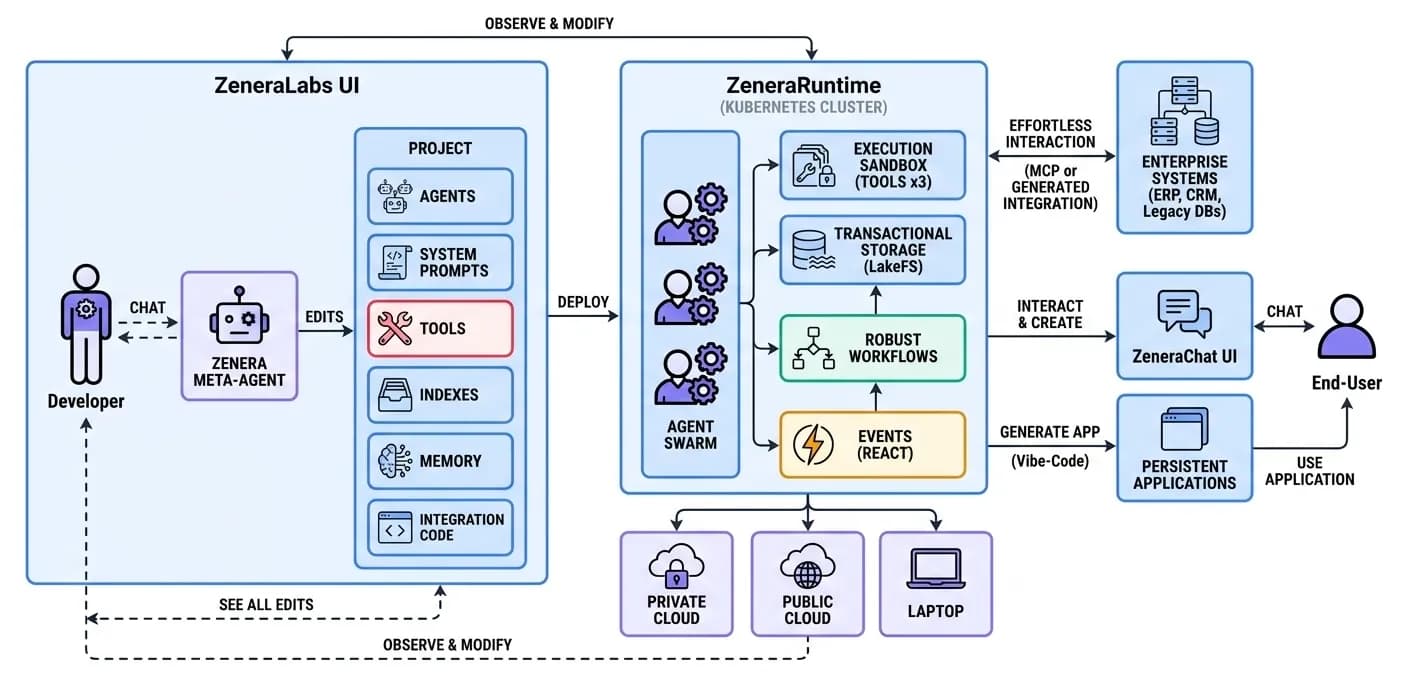
Zenera is built around three interconnected components, each serving a distinct role in the lifecycle of enterprise AI agents. Together, they form a complete system: you design agents in ZeneraLabs, run them on ZeneraRuntime, and interact with them through ZeneraChat UI.
ZeneraLabs - The AI-Native IDE
ZeneraLabs is an intelligent development environment built on JupyterLab - but fundamentally transformed for agentic AI development. It is where developers and AI engineers design, build, test, and refine multi-agent systems.
Think of it as what VS Code Copilot or Cursor are for general software development - except ZeneraLabs is purpose-built for one thing: creating production-grade multi-agent systems.
The Meta-Agent: Your AI Pair Programmer for Agent Systems
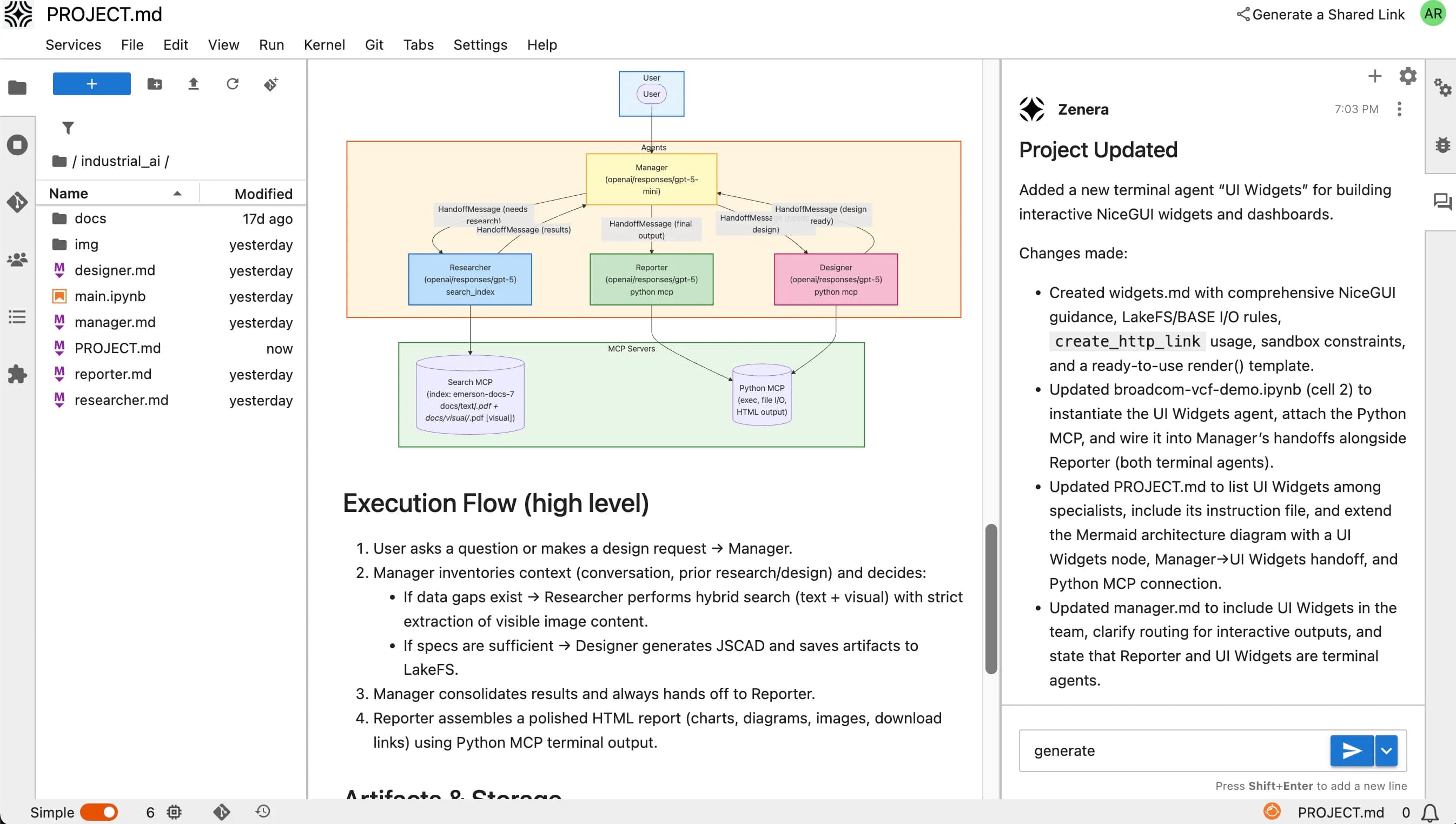
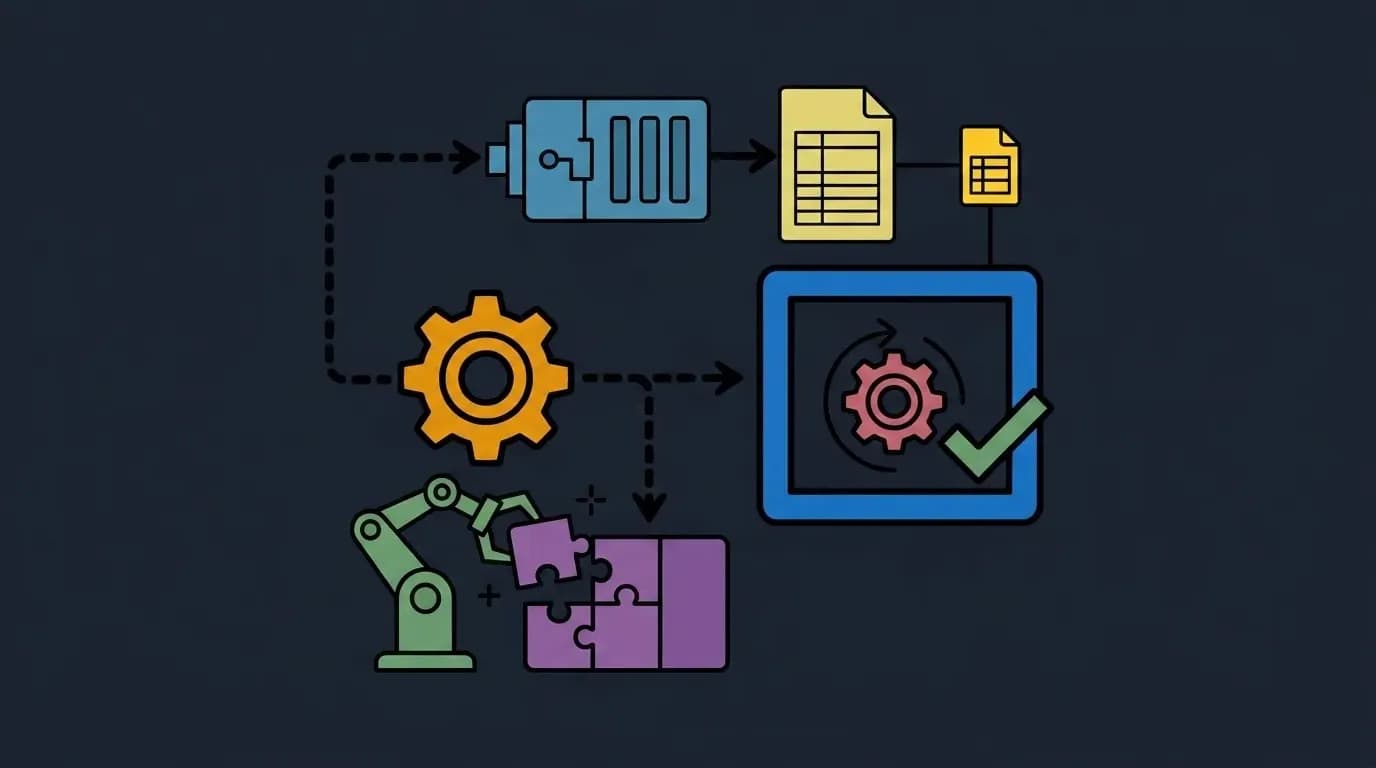
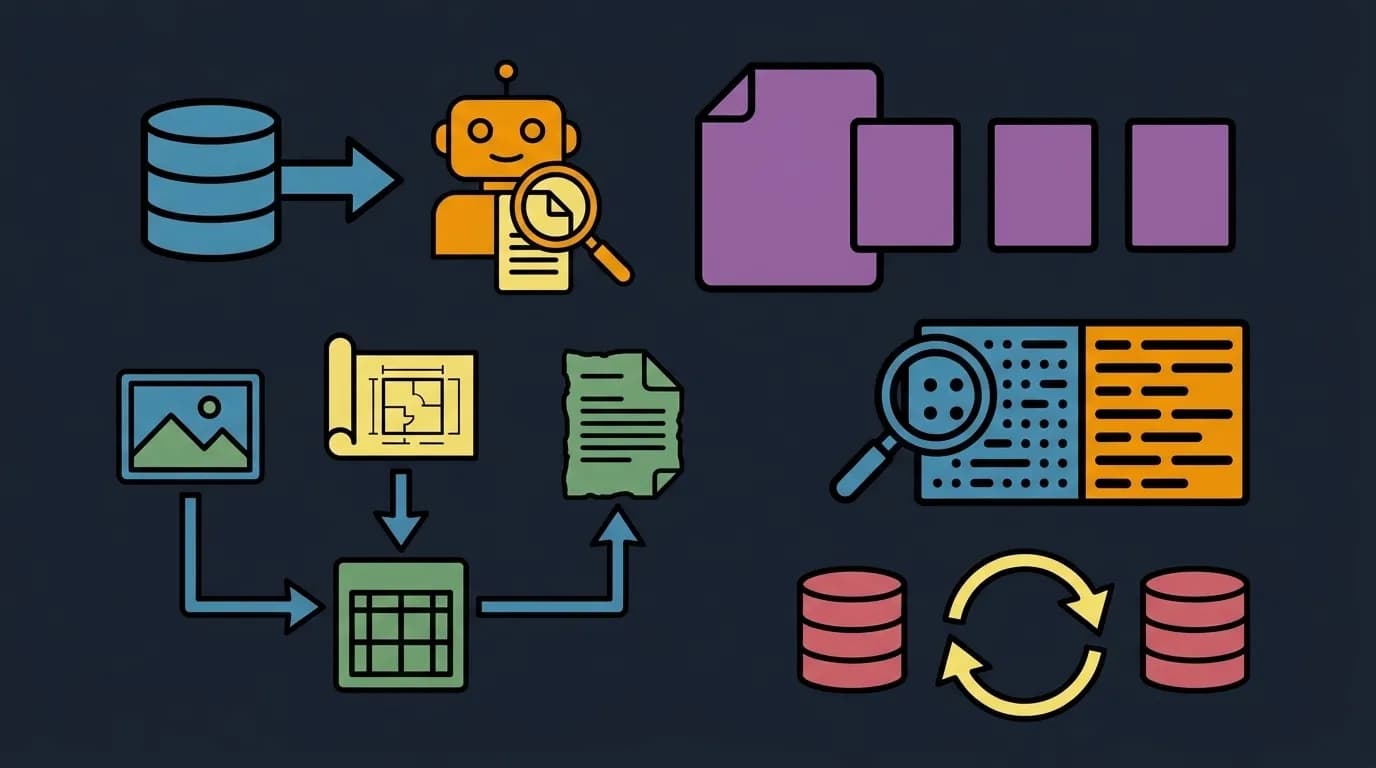
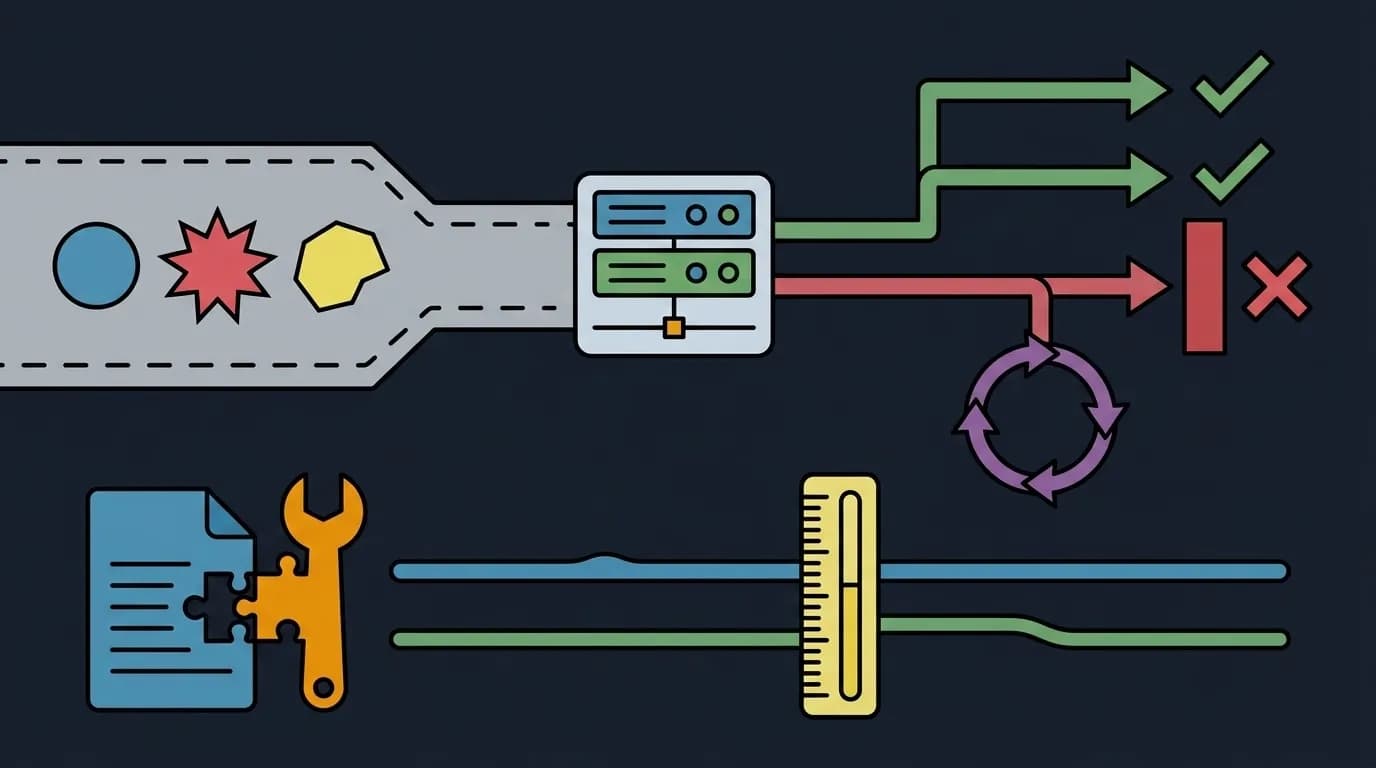
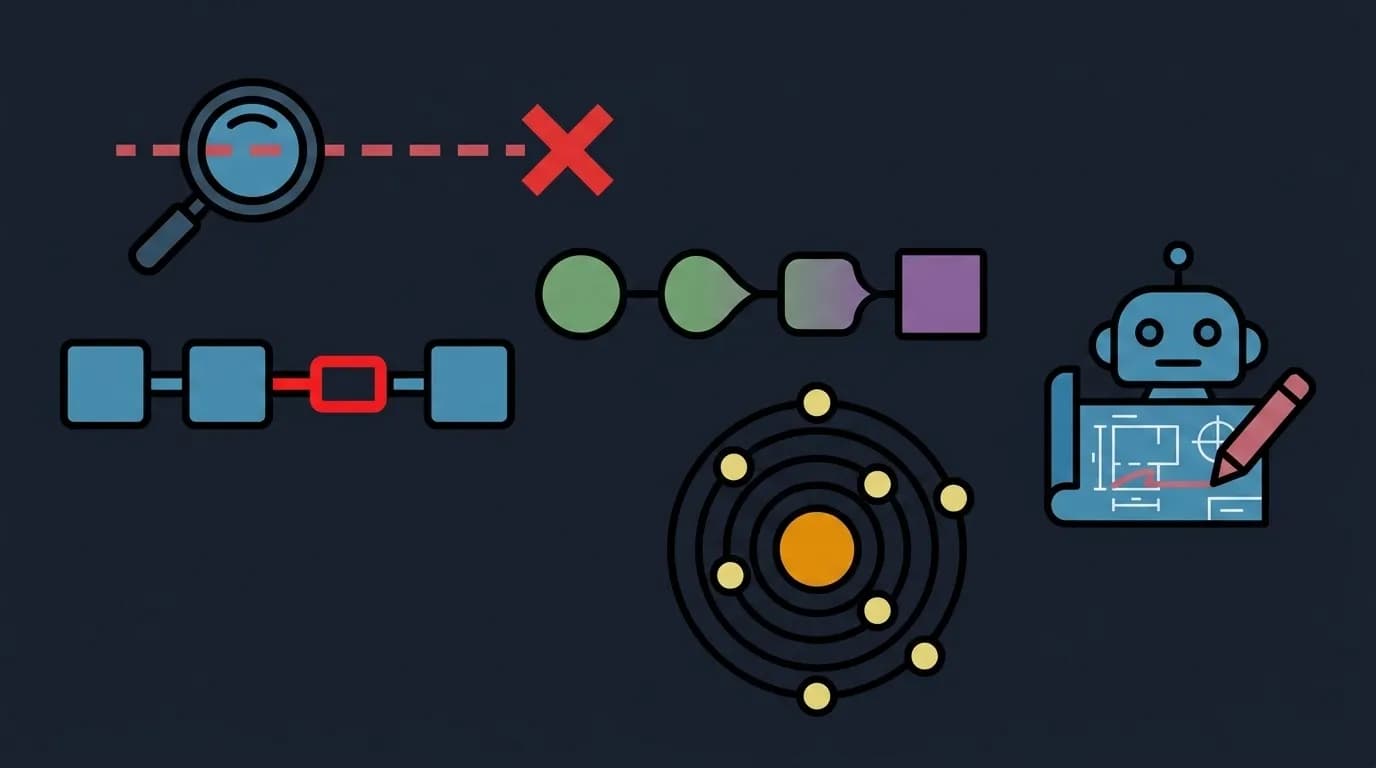
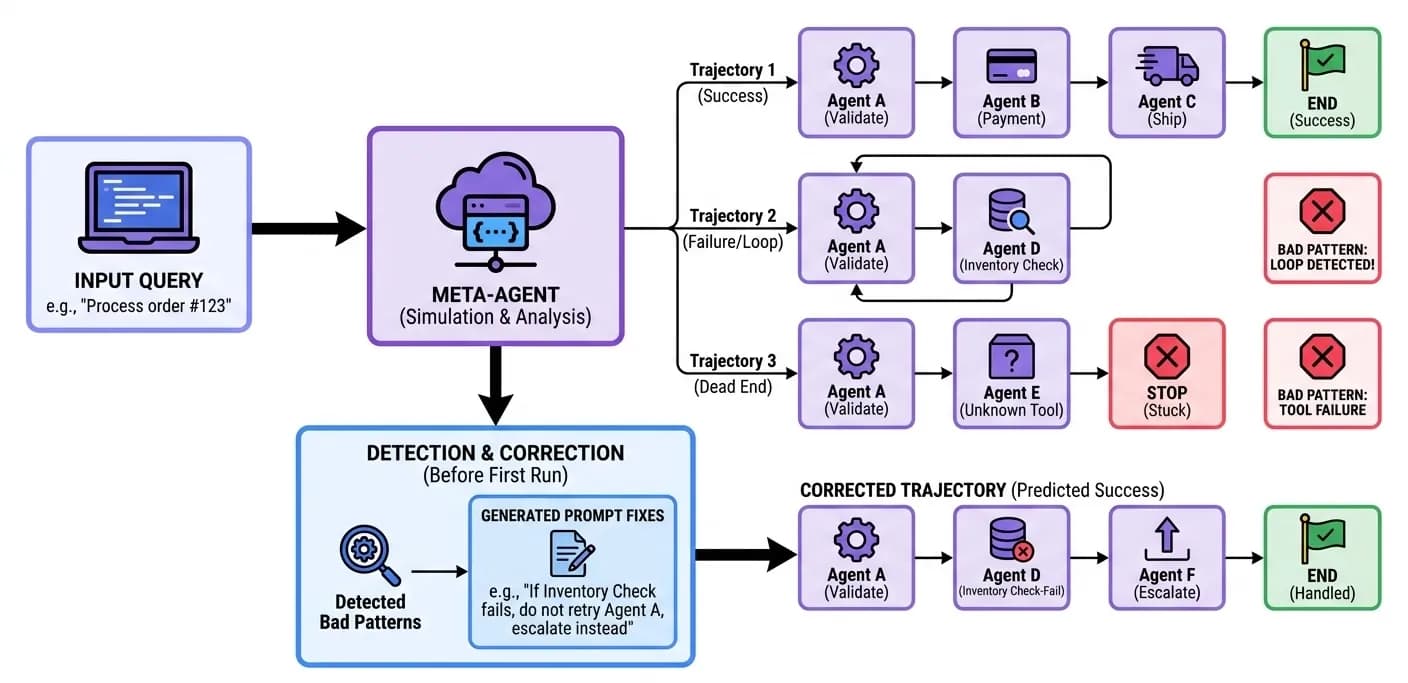
At the heart of ZeneraLabs is the Meta-Agent - a specialized AI coding assistant that has deep, embedded knowledge about how to build multi-agent systems. It is not a general-purpose coding copilot.
Notebook-Native Workflow
Every component of the agent system lives in Jupyter notebooks - editable, executable, and version-controlled.
| Notebook | Contents |
|---|---|
| System Design | Agent definitions, roles, handoff graphs, model assignments |
| System Prompts | Individual prompt cells per agent - edit, test, compare versions |
| Tool Definitions | MCP schemas, self-coded integrations, test harnesses |
| RAG Configuration | Indexer configs, chunking strategies, search tuning |
| Test Suites | Synthetic inputs, expected behaviors, trajectory assertions |
| Trajectory Analysis | Execution graphs, performance metrics, failure analysis |
| Deployment Config | Runtime targeting, model selection, scaling parameters |
Manual Override at Any Time
The Meta-Agent generates everything - but the developer retains full control. At any point, you can:
- Edit a system prompt directly in the notebook cell
- Modify tool code that the Meta-Agent generated
- Adjust handoff conditions by editing the routing logic
- Replace a model assignment for any specific agent
- Add custom Python code for specialized processing
- Import existing tools from your organization's toolchain
The Meta-Agent adapts to your changes. If you manually edit Agent B's prompt, the Meta-Agent re-verifies consistency with all other agents and flags any new conflicts introduced by your edit.
Collaborative Development
ZeneraLabs supports team workflows natively:
- Git integration - All agent artifacts (prompts, tools, configs) are version-controlled
- Branching - Experiment with agent designs on branches; merge when validated
- Review workflows - Pull requests for agent system changes, with trajectory diff comparisons
- Shared notebooks - Multiple developers can work on different agents in the same system simultaneously
- Prompt versioning - A/B test prompt variants with trajectory-level comparison
ZeneraRuntime - The Execution Engine
ZeneraRuntime is where agents come to life. It is the production execution environment - a modular, cloud-native infrastructure stack that runs agent systems with enterprise-grade reliability.
ZeneraRuntime can run anywhere: on a hyperscaler (AWS, Azure, GCP), a private Kubernetes cluster, an on-premise data center, an air-gapped facility, or a developer's laptop via Docker Compose. The architecture is identical across all deployment targets - what runs on your MacBook is the same architecture that runs in your production cluster.
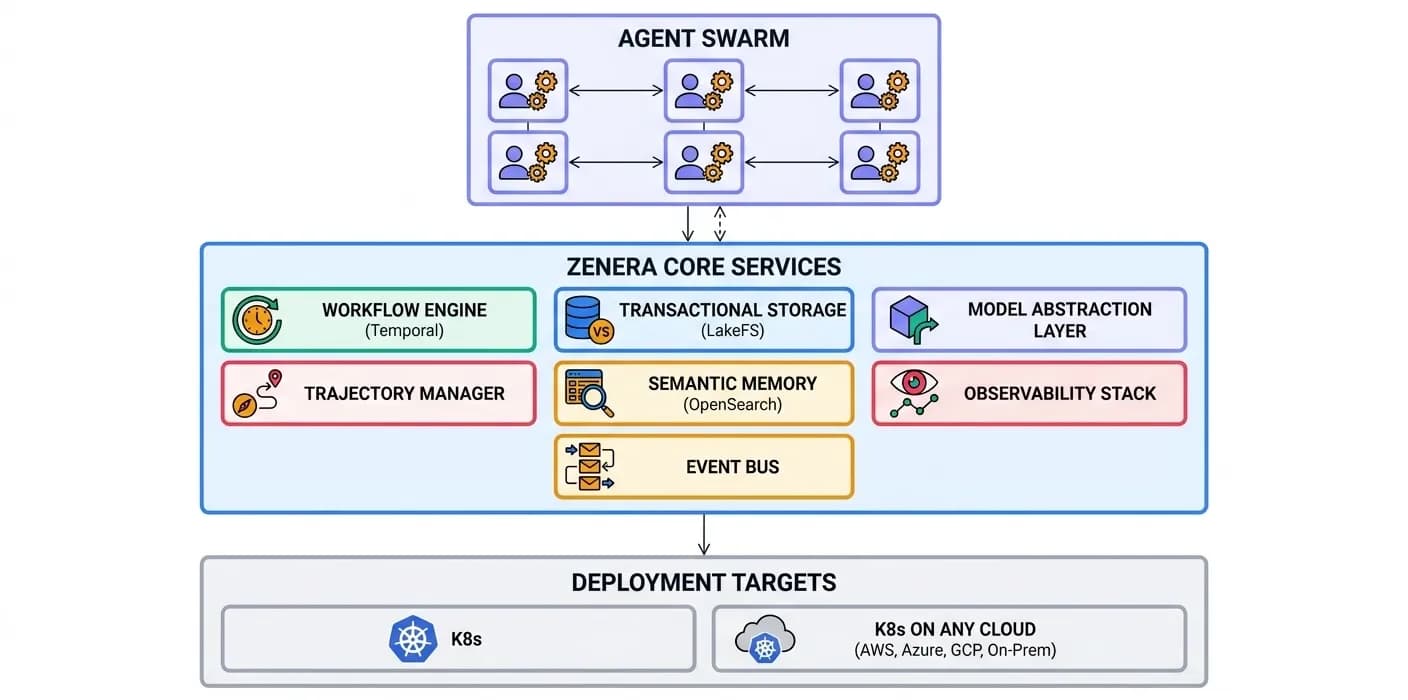
Workflow Engine (Temporal)
Everything in Zenera runs as a task on the Workflow Engine. This is the single most important architectural decision in the platform - and it makes ZeneraRuntime extraordinarily robust.
| Property | What It Means in Practice |
|---|---|
| Crash recovery | Agent process dies mid-execution → workflow resumes exactly where it left off on a new node |
| Network failures | API call to external system times out → automatic retry with exponential backoff, no data loss |
| Out-of-memory | Agent processing a large dataset runs out of memory → workflow restarts the activity on a node with more resources |
| External system failures | The CRM API returns 500 errors for two hours → activities retry gracefully until the system recovers |
| Redeployment | New agent version deployed → in-flight workflows complete on old version; new requests use new version |
| Long-running processes | Agent needs human approval → workflow pauses for days/weeks, resumes instantly when approval arrives |
| Scheduled execution | Run an analysis every night at 2 AM → Temporal cron workflows with durable guarantees |
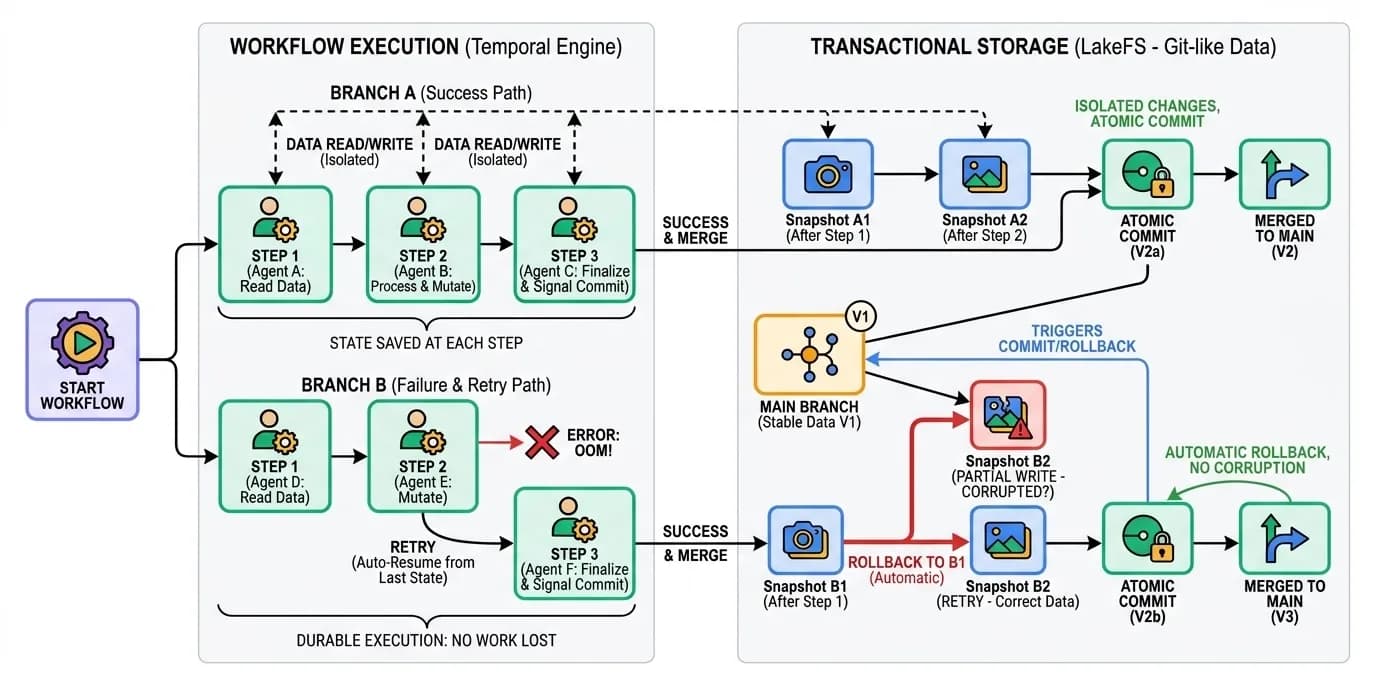
"Battle-tested at scale: Workflow + Transactional Storage has been proven on agent systems processing hundreds of gigabytes of datasets - multi-day runs that survive multiple infrastructure disruptions without losing a single record."
Transactional Storage (LakeFS + MinIO)
All agent state management flows through Transactional Storage. This is not a simple file system - it provides git-like semantics for enterprise data:
- Branching - Each agent run operates on an isolated branch. No interference between concurrent runs.
- Atomic commits - When a multi-step agent workflow completes successfully, all changes are committed atomically. If anything fails, the entire branch is rolled back.
- Version history - Every data state is versioned. Roll back to any point in time for debugging, audit, or recovery.
- Intermediate results preserved - Agents store intermediate outputs at each step. If a run fails at step 7 of 10, you can examine (or reuse) the results from steps 1-6.
- Conflict resolution - When multiple agents modify shared datasets, optimistic concurrency control detects and resolves conflicts.
Model Abstraction Layer
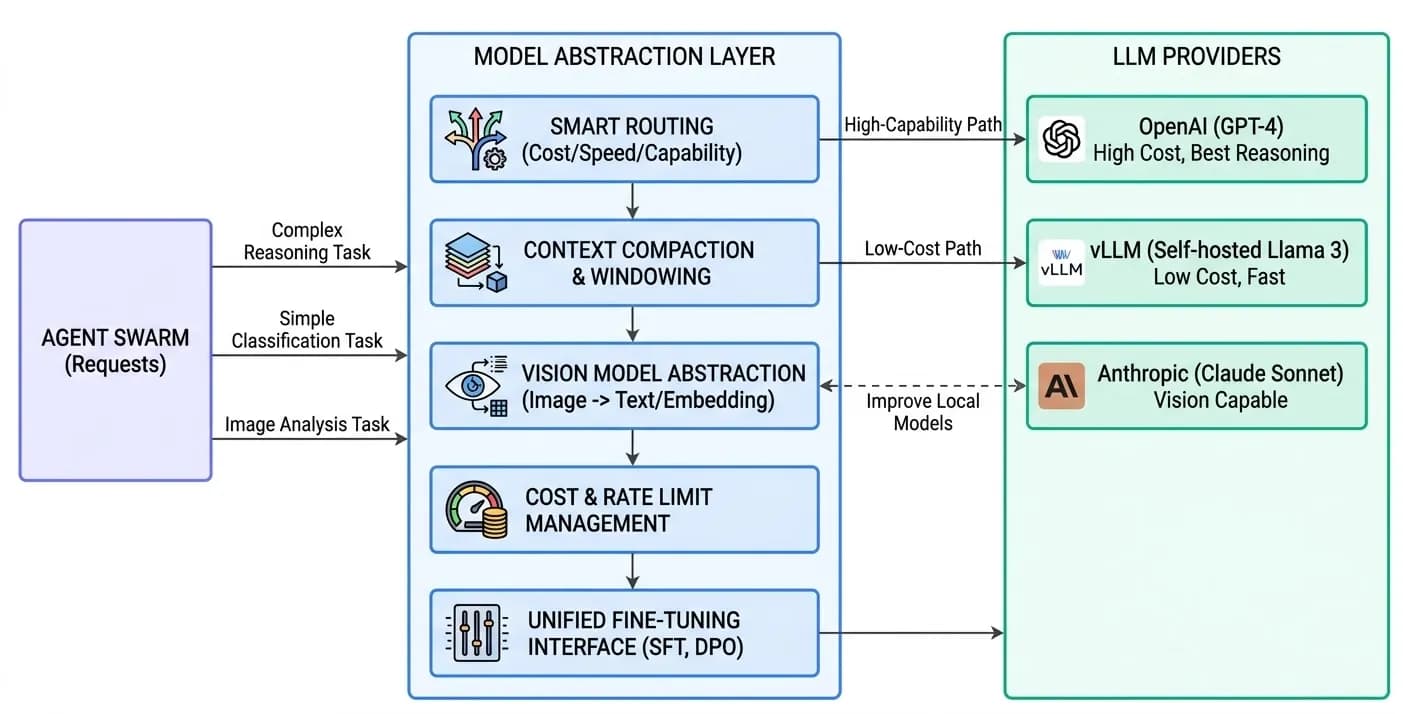
ZeneraRuntime can execute agent systems across any combination of LLM providers - and the abstraction layer is far more than a simple API proxy.
Supported Providers
| Category | Providers |
|---|---|
| Frontier models | OpenAI (GPT-4o, GPT-5, o3), Anthropic (Claude Opus, Sonnet), Google (Gemini 2.5 Pro, Flash) |
| Open models | DeepSeek (R1, V3), Kimi (k2), GLM, MiniMax, Qwen, LLaMA, Mistral |
| Self-hosted | Any model via vLLM, TensorRT-LLM, Ollama, or NVIDIA NIM |
| Enterprise APIs | Azure OpenAI, AWS Bedrock, Google Vertex AI |
Why It's More Than a Proxy
| Capability | What the Abstraction Layer Does |
|---|---|
| Reasoning | Automatically activates reasoning mode for complex tasks and maps reasoning tokens to a uniform format. |
| Vision | Routes to a vision-capable model or falls back to a description-generation pipeline when agents need to process images. |
| Parallel function calling | Normalizes the interface so agent code doesn’t need to handle both parallel and sequential patterns. |
| Structured output | Ensures consistent structured output regardless of provider - native JSON mode or prompt engineering. |
| Context windows | Manages context budgeting, summarization, and overflow strategies per model (8K to 2M tokens). |
| Rate limits & quotas | Manages queuing, throttling, and failover across providers. |
| Cost optimization | Assigns models by cost/capability tradeoff: frontier for reasoning-heavy, cheaper for classification and routing. |
Trajectory Management
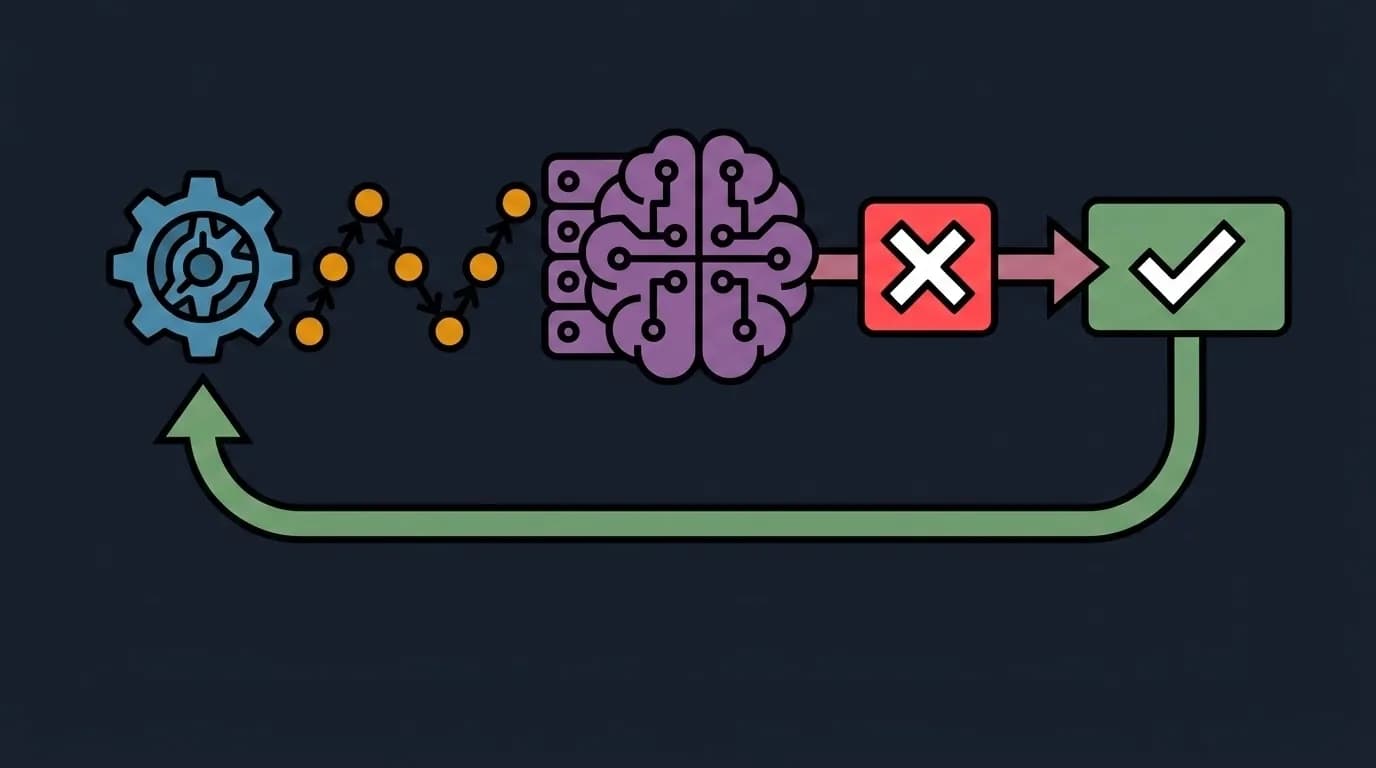
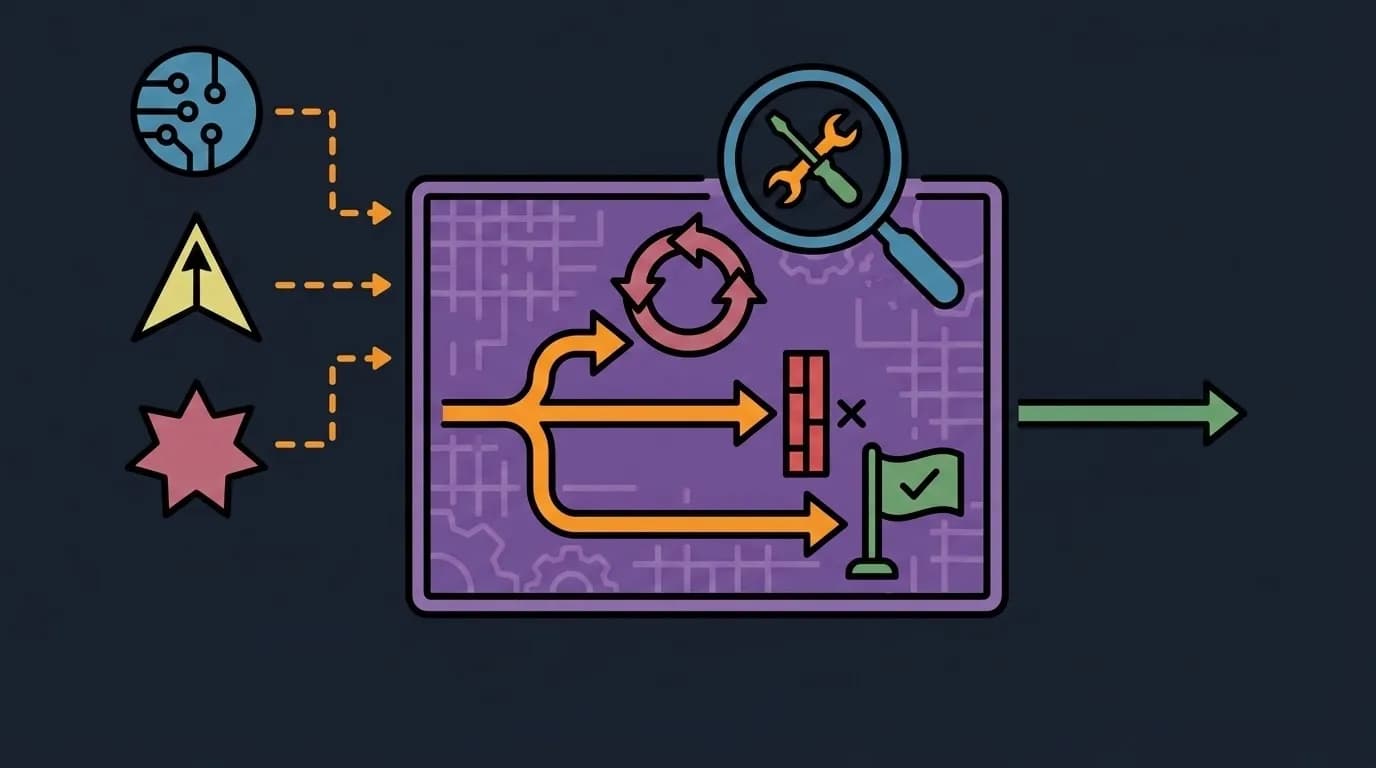
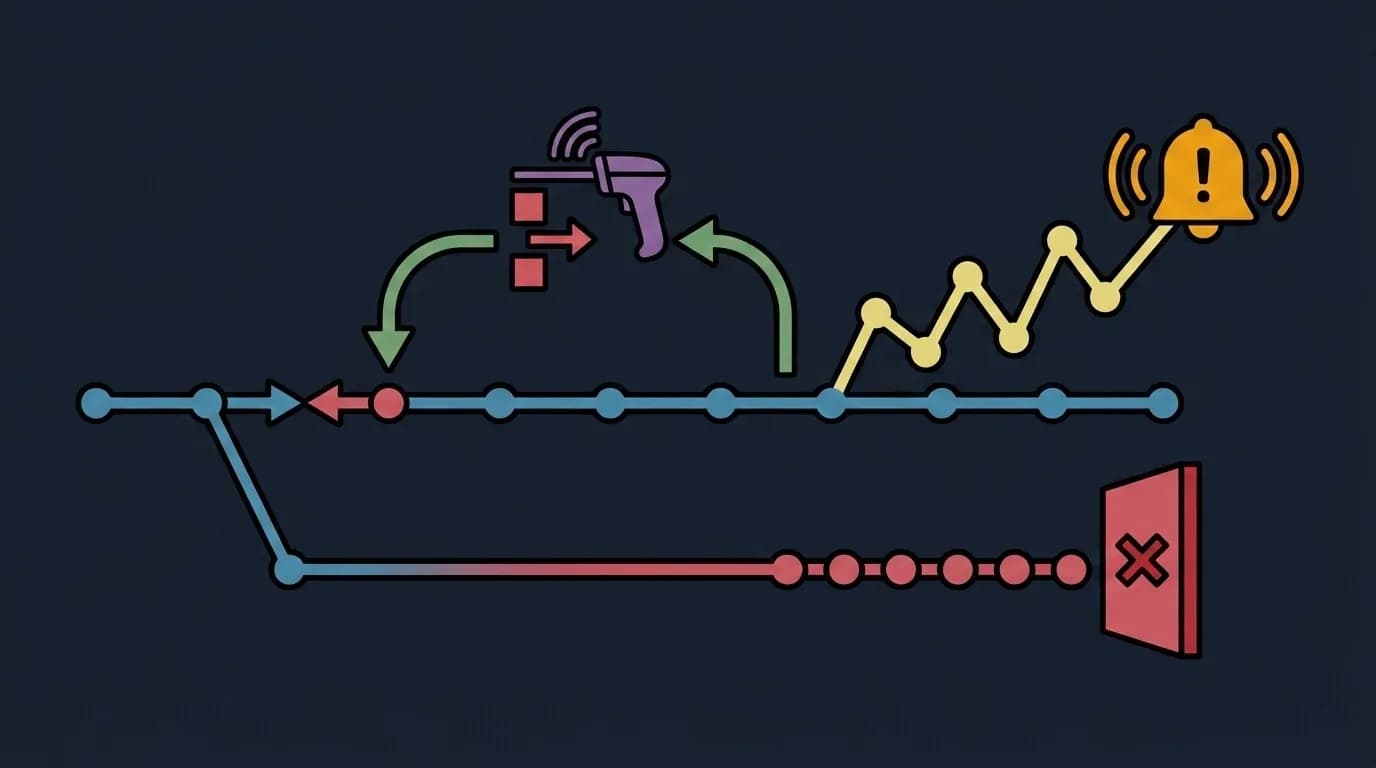
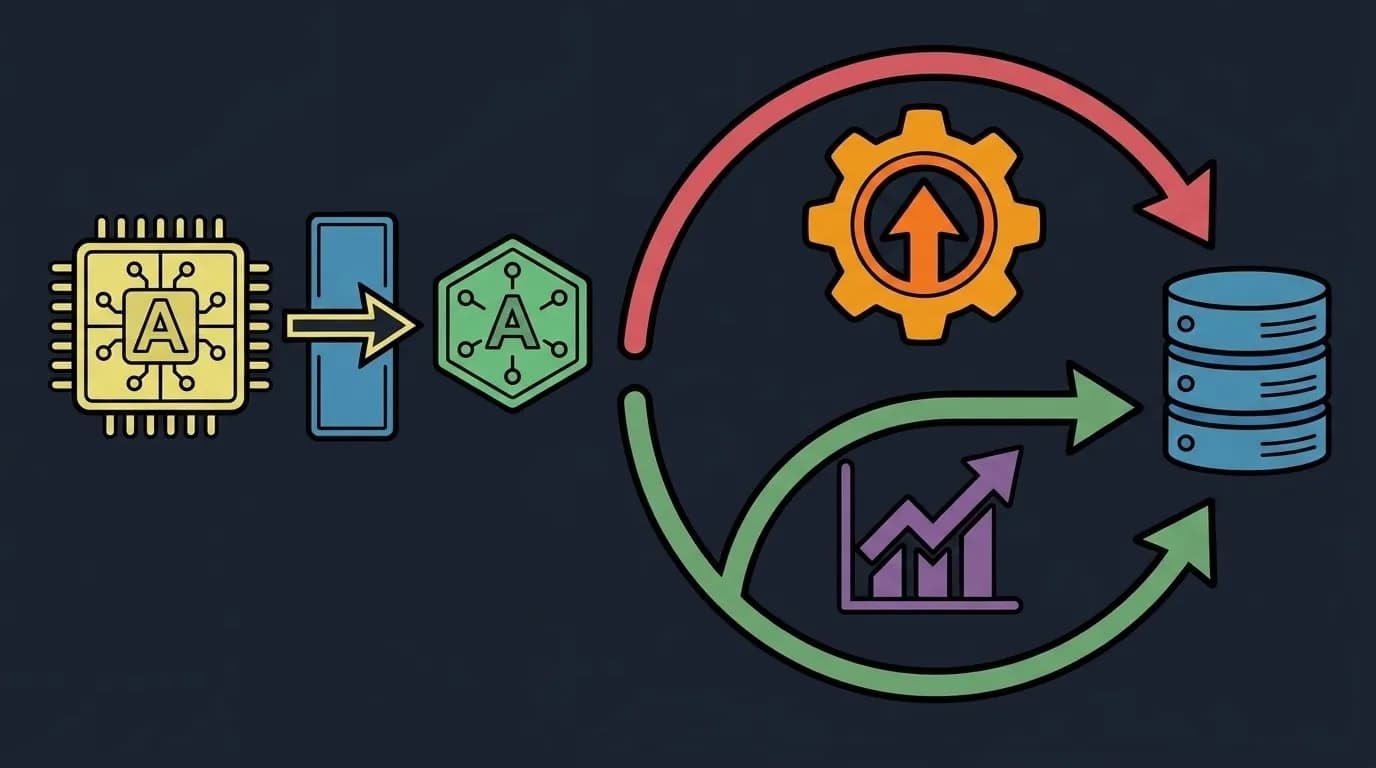
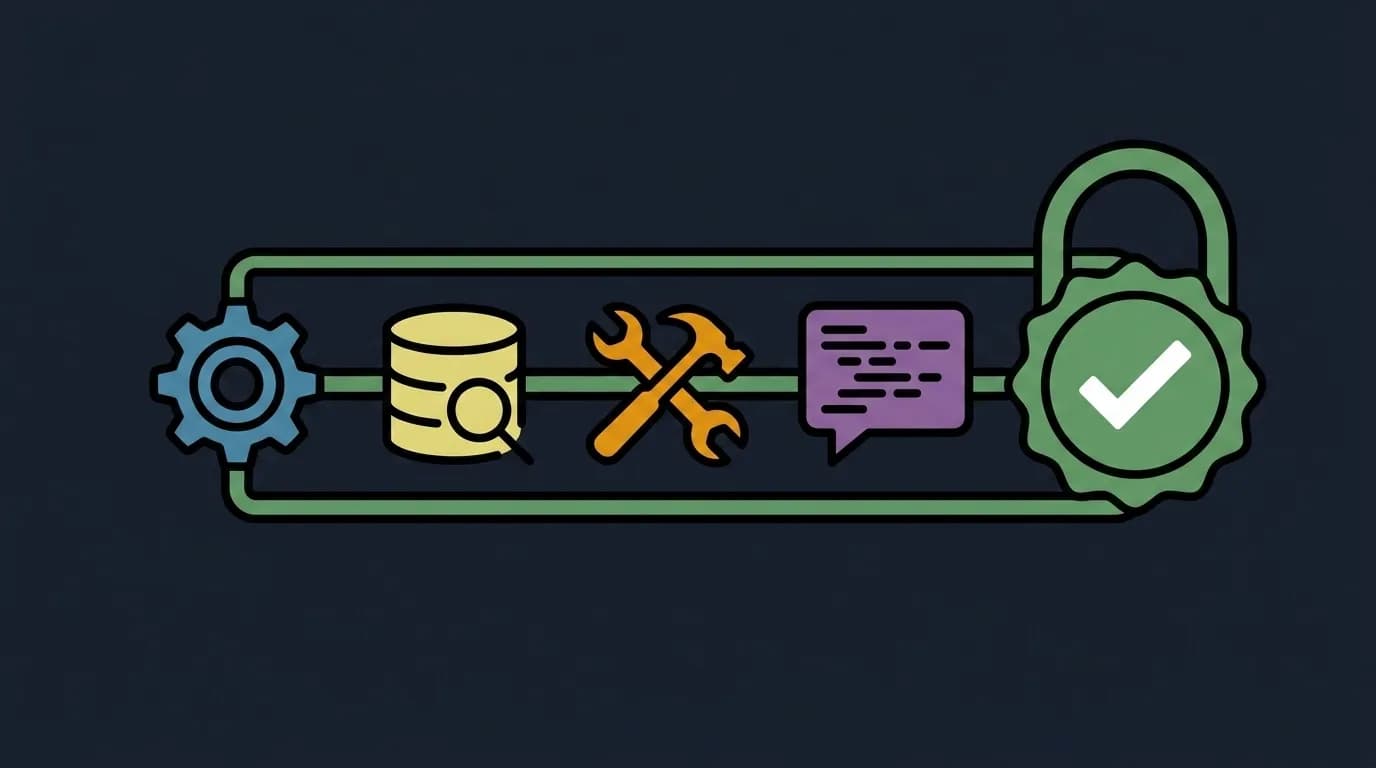
A trajectory is the complete execution trace of an agent run: every agent invocation, every tool call, every LLM request, every handoff, every decision. Trajectories are the fundamental unit of observability, debugging, and improvement in Zenera.
Observability Stack
Production agent systems require the same operational visibility as any critical infrastructure.
| Component | Technology | Purpose |
|---|---|---|
| Metrics | Prometheus | Agent throughput, latency percentiles, error rates, queue depths |
| Dashboards | Grafana | Pre-built + auto-generated dashboards per agent system |
| Logs | Loki | Structured logs with agent context, session IDs, correlation tokens |
| Traces | Tempo | Distributed traces across agent handoffs and tool calls |
| Alerts | Grafana Alerting | SLA violations, trajectory anomalies, cost overruns |
| Cost tracking | Built-in | Token usage and compute costs per agent, per workflow, per tenant |
ZeneraChat UI - The User-Facing Interface
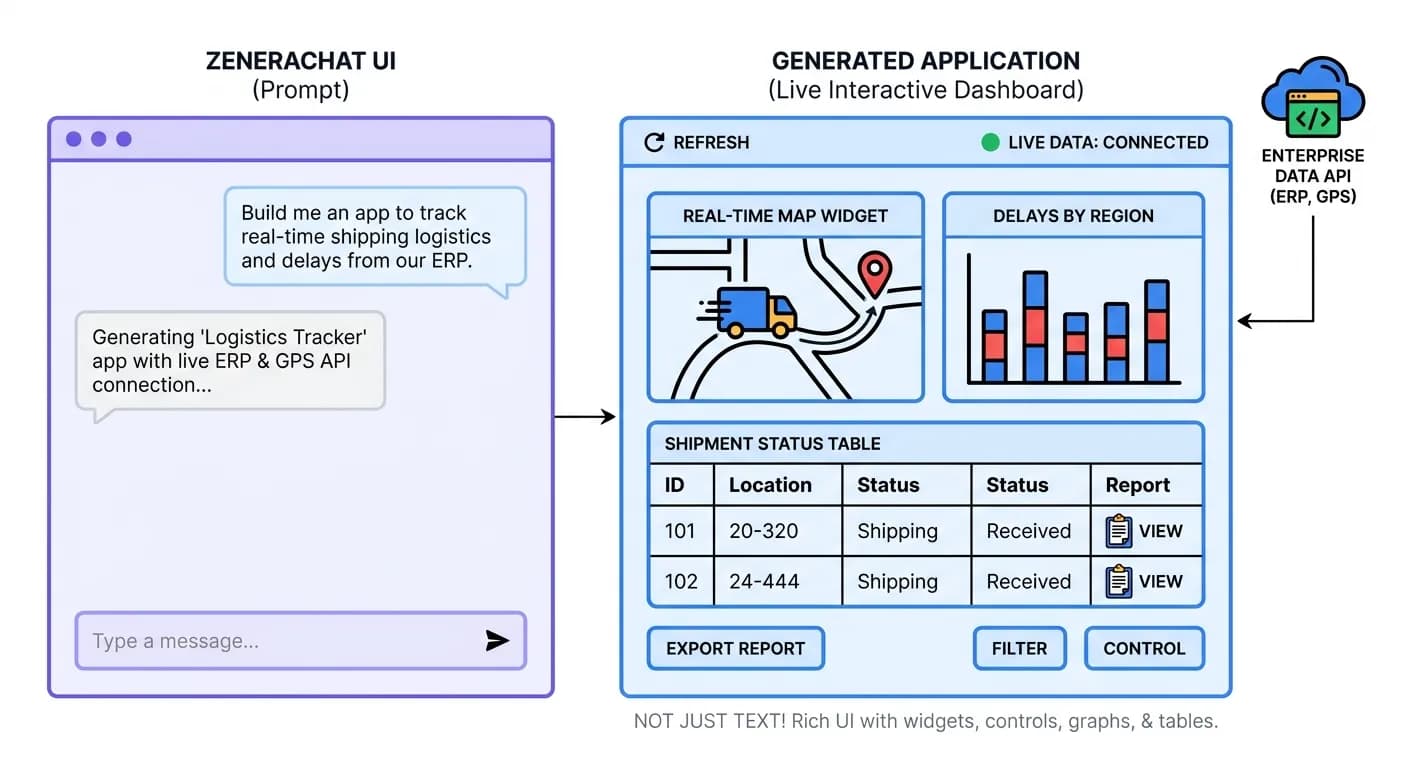
ZeneraChat UI is the application where end users interact with the agent systems built in ZeneraLabs and running on ZeneraRuntime. It looks familiar - a chat interface similar to ChatGPT, Gemini, or Claude - but it is fundamentally different in what it can do.
Beyond Text: Rich UI Output
Unlike standard chat interfaces that return only text, Zenera agents produce rich, interactive UI elements:
Interactive tables
Sortable, filterable, paginated data grids
Charts & plots
Line, bar, scatter, heatmap, geographic maps
PDF documents
Formatted reports, contracts, compliance docs
Forms
Input forms with validation for structured data collection
Approval workflows
Multi-step approval chains with status tracking
Embedded applications
Full interactive mini-apps within the chat
Code blocks
Syntax-highlighted, copyable code snippets
File attachments
Downloadable files generated by agents
Vibe-Coded Enterprise Applications
Users don\u2019t just chat - they build persistent applications through conversation. This is enterprise software development at the speed of conversation.
What Makes Vibe-Coded Apps Different
| Feature | Lovable / Bolt / v0 | ZeneraChat UI |
|---|---|---|
| Data source | Mock data, user-uploaded files | Live enterprise systems (CRM, ERP, databases, APIs) |
| Authentication | None or basic | Inherits enterprise SSO and RBAC |
| Persistence | Deployed as standalone site | Lives inside Zenera, always accessible |
| Real-time updates | Static snapshot | Live data binding - always current |
| Integration method | Manual API keys | Self-coding agents connect automatically |
| Governance | None | Audit logs, version control, access controls |
| Evolution | Re-generate from scratch | Conversational modification - “add a column” |
| Sharing | Share a URL | Role-based sharing within the organization |
"Every vibe-coded application becomes a reusable organizational asset. Over time, the organization accumulates a library of custom applications - all built without code, all connected to live data, all governed by enterprise policies."
Multi-Channel Access
Zenera agents aren\u2019t limited to the Chat UI. They can also be accessed through:
| Channel | Use Case |
|---|---|
| REST API | Embed agent capabilities into existing applications and services |
| Event-driven | Trigger agent workflows from system events (webhooks, message queues, cron schedules) |
| Embedded widgets | Drop Zenera agent interfaces into existing web applications |
| Slack / Teams | Interact with agents in your team’s messaging platform |
| Trigger agent workflows from email and receive results via email |
What Else You Should Know
Desktop to Production - Same Architecture
A unique property of ZeneraRuntime is deployment parity across scales:
Developer Laptop
Docker Compose (single machine)
Same Temporal engine
Same LakeFS storage
Same agent code
Same observability
Same trajectory format
Use: Development, testing
Team Server
Docker Compose (dedicated server)
Same Temporal engine
Same LakeFS storage
Same agent code
Same observability
Same trajectory format
Use: Shared dev/staging
Production Cluster
Kubernetes + Helm (multi-node HA)
Same Temporal engine
Same LakeFS storage
Same agent code
Same observability
Same trajectory format
Use: Production
"What an agent does on your laptop is exactly what it does in production. No surprises at deployment time."
Summary
| Component | Role | Key Differentiator |
|---|---|---|
| ZeneraLabs | AI-native IDE for designing multi-agent systems | Meta-Agent - a coding assistant that specializes in agentic system design, verification, and continuous evolution |
| ZeneraRuntime | Production execution engine for agent systems | Workflow Engine + Transactional Storage - enterprise-grade reliability that survives any failure and guarantees data consistency |
| ZeneraChat UI | End-user interface for agent interaction | Rich UI output + Vibe-Coded Applications - users don’t just chat, they build persistent enterprise tools through conversation |
"Other platforms give you an agent. Zenera gives you three things: a factory to build them, an engine to run them, and an interface to make them useful to everyone in your organization."
See How It Works in Action
Discover how the three pillars of Zenera - ZeneraLabs, ZeneraRuntime, and ZeneraChat UI - work together to power enterprise AI systems.
Request a Demo